What to Do When BanglarBhumi Doesn’t Update Mutation
If you applied for mutation (namantaran) after buying or inheriting land in West Bengal and the BanglarBhumi portal still doesn’t show your updated record, you’re not alone. It happens to many people. The online system can lag, or there may be a simple issue causing the delay.
Let’s talk about why it happens and what you can do — without confusion.
What Mutation Means on BanglarBhumi
Mutation means updating the land record to reflect the new owner’s name after a property transfer. In West Bengal, this list of land rights is recorded as Khatian / Porcha, and BanglarBhumi shows this online so you can easily check ownership.
But seeing the name change online takes one more step after registering the sale deed.
Why Mutation Sometimes Doesn’t Update Online
There are a few common reasons your mutation might not show yet:
Local Office Hasn’t Uploaded the Update Online
Even after you complete the process with the Block Land & Land Reforms Office, they may not have updated the portal yet. Many times the mutation is done on paper but not synced online
Missing or Incomplete Documents
If any document was missing or has an error (wrong spelling, missing seal, etc.), the mutation may be held for verification. Officials may be waiting for a correction
Error in Your Online Application
Even a small typo in your Khatian number, mouza, deed number, or plot details can stop the correct record from showing
It’s Still Under Review
Mutation processing can take time — sometimes weeks or even months — depending on the workload at the revenue office
Steps to Fix Mutation Not Updating
Here’s a friendly, practical checklist you can follow:
Check Your Mutation Status Online
Go to the “Mutation Status” section on the BanglarBhumi portal and enter your:
This tells you where the case currently stands. Use the correct option — case‑wise or deed‑wise search — to avoid mistakes.
Tip: Keep your mutation reference number safe as soon as you apply — this makes tracking much easier.You can also read: How to Update Your Registered Mobile Number on BanglarBhumi
Confirm Documents Were Complete
If mutation is delayed for “verification” or “pending documents,” revisit the list of papers you submitted:
Make sure there were no missing or incorrect files.
Visit the Local Land Records Office (BL&LRO)
If online status doesn’t change for a long time:
Visit your Block Land & Land Reforms Office
Show your mutation application and deed
Ask if they updated it online yet
Often the portal doesn’t show updates until the local office uploads them manually.
Tip: Go with original documents and a print‑out of your online application for faster help.
Use the Grievance / Record Correction Section
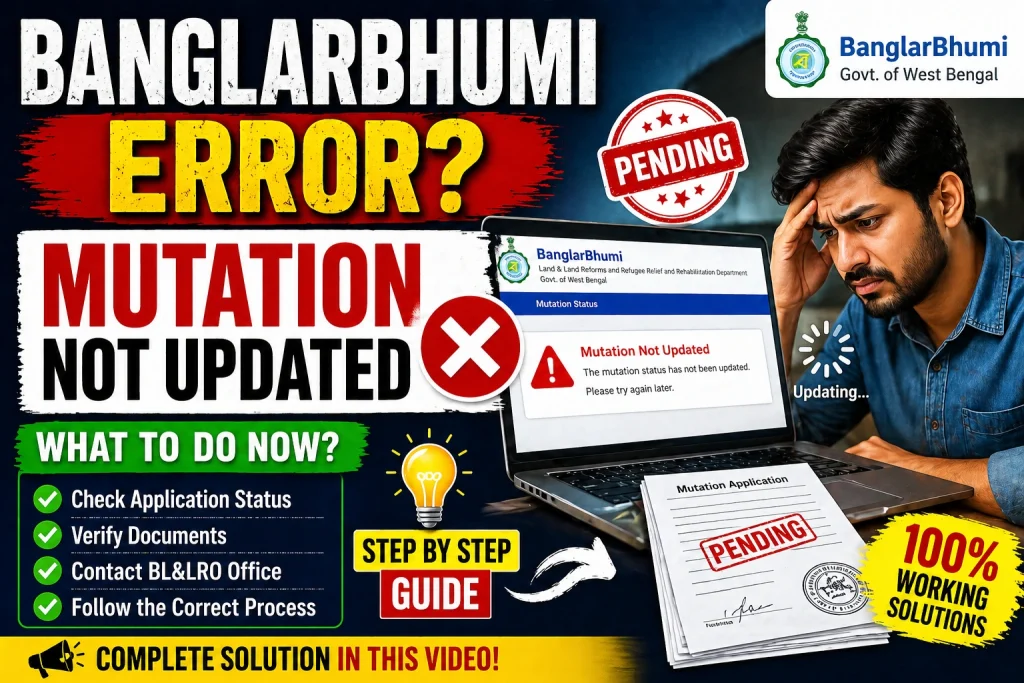
BanglarBhumi has a Public Grievance or Record Correction form where you can explain the issue and request help.
Choose the right category like:
Upload screenshots and give clear details to help officials respond quickly.
Follow Up Regularly
After submitting a grievance or visiting the office:
Being proactive often speeds up the update.
Quick Tips for a Smooth Mutation Update
Double‑check spelling and numbers in your application
Save your mutation case number right away
Keep copies of all documents handy.
Visit the local land office if online status doesn’t change after a few weeks
FAQs
Final Thought
Mutation not updating on BanglarBhumi can be frustrating, but it usually isn’t a major problem. Start by checking the status online, then verify your documents, and don’t hesitate to visit the local land records office if needed. Use the grievance form on the portal if nothing changes after reasonable time. With a bit of patience and these practical steps, you can get your mutation updated and your land records reflecting the current ownership correctly.


